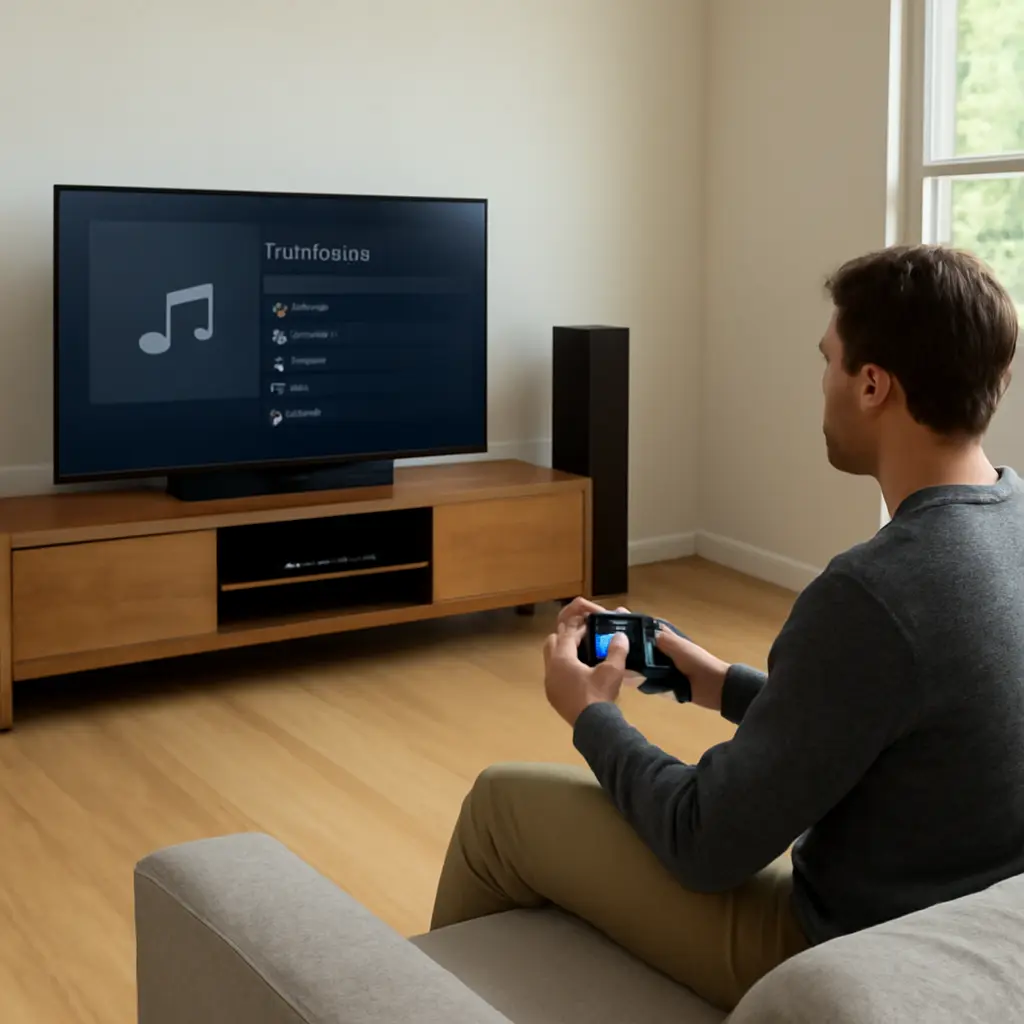
Gaming consoles have become much better music players because services such as Spotify and Apple Music are now integrated with PlayStation 5 and Xbox consoles, letting players stream songs alongside games or use a console as a living-room music hub. The improvement is practical as well as technical: Spotify says its PlayStation and Xbox apps support background listening during gameplay, while Apple Music on PS5 offers a large on-demand catalog and music videos. Together, these features turn consoles from occasional media devices into convenient audio sources—though sound quality, app availability, and simultaneous game audio still depend on the service, console, and setup.
Console music streaming and the gaming-console listening upgrade
A gaming console is a dedicated device for running video games that can also provide entertainment services, including music streaming. In this article, “console music listening” means playing music through a console app, either by itself or while a game is running. It is better than it used to be because major music services now offer console apps, playback controls can be accessed without leaving a game, and audio can be routed through a television, headset, or connected sound system.
The shift matters because gaming and music are both everyday media habits. The Entertainment Software Association’s 2024 report said 61% of Americans aged 5–90 play video games, and players reported an average age of 36. Separately, the Recording Industry Association of America reported that paid subscriptions accounted for 78% of U.S. recorded-music revenue in 2023, reflecting the central role of streaming. These figures do not measure console music use directly, but they help explain why combining music and gaming is useful to a broad audience.
Background playback defines the console music upgrade
Background playback is the ability to keep music playing while another application—usually a game—is in the foreground. Spotify describes its PlayStation and Xbox apps as supporting music playback during gameplay, with controls available through the console interface. This is the key feature behind the idea that consoles have become better music players: listeners can choose a playlist, return to a game, and adjust tracks without switching entirely to a separate device.
Spotify integration for PlayStation and Xbox
Spotify’s console apps provide access to a user’s library, playlists, and recommendations. On supported PlayStation and Xbox systems, the app can continue playing while a compatible game runs; console menus provide playback controls, and some games allow their own music volume to be reduced. Spotify’s support documentation notes that game audio and Spotify playback may be balanced separately where the game and system support that option. The practical benefit is a personal soundtrack without relying on a game’s built-in radio or score.
This setup suits repeatable activities such as racing, sports, or open-world play, where listeners may prefer familiar songs to in-game music. It is less suitable when dialogue, directional sound, or a game’s score is important: mixing external music can mask audio cues. Playback behavior can also vary by title, system software, subscription, and region, so checking the relevant console and service support pages is sensible.
Apple Music on PS5
Apple Music’s PS5 app brings the service’s catalog and music videos to the console, with playback designed to work alongside supported games. Sony and Apple announced the app for PS5 in October 2021, describing access to more than 90 million songs at launch. That launch figure reflects the catalog Apple advertised at the time, not a permanent count; catalogs and availability can change. Apple Music is available on PS5, but that does not mean the same app is available on every PlayStation generation or Xbox console.
The app also illustrates a broader distinction: consoles can be music devices for both listening and browsing. Music videos and on-screen recommendations make a television useful for shared listening, while background playback serves players who want music under gameplay. Availability, subscription requirements, and features should be checked against Apple’s current support information.
Audio routing shapes how console music sounds
Audio routing is the path sound takes from a console to a listening device. Consoles commonly send audio through a television or monitor, a headset connected to the controller or console, or an external receiver and speaker system. The route affects convenience, volume control, spatial presentation, and whether game audio and music can be mixed independently.
Headsets and controller-connected listening
A headset is the simplest option for private listening and can keep music audible without disturbing others. On PlayStation 5, players can use compatible wired headsets and supported wireless audio devices; Xbox supports compatible wired headsets and designated wireless accessories. The exact connection options differ by model. A wired headset plugged into a controller is convenient, but wireless compatibility and features such as microphone monitoring or chat mixing depend on the console and headset.
For multiplayer, chat and music compete for attention. Console party-chat mixers can help balance voice communication against game and music audio, but a player should test the mix before relying on it in a competitive match. Lowering music during dialogue-heavy or sound-sensitive sections can preserve important cues.
Televisions, receivers, and spatial audio
A television or home-theater receiver makes a console useful for room-filling music, particularly when several people are listening. HDMI can carry digital audio from the console to a television or receiver, while compatible equipment may support surround or spatial-audio formats. The final result depends on the entire chain: console output settings, the streaming app’s audio format, the television or receiver, and the speakers. A high-end receiver cannot restore detail that was not present in the source stream.
For straightforward music listening, stereo output is often the most predictable setting. Spatial processing can create a wider presentation, but its effect varies by hardware and listener preference. If sound is unexpectedly quiet, distorted, or missing from one channel, check console audio output, television settings, and receiver input before assuming the streaming service is at fault.
Console music listening has practical limits
The upgraded experience is convenient, but a console is not automatically the best music source for every situation. App catalogs, features, and playback options differ across platforms; some functions require a paid subscription; and music mixed with game sound may reduce clarity. Network interruptions can also affect streaming, while the console and television may use more power than a phone or compact speaker for the same listening session.
Catalog, subscription, and regional availability
A streaming catalog is the collection of recordings a service makes available in a particular market. Licensing agreements can cause tracks or features to vary by country and change over time. Spotify and Apple Music both require users to sign in, and some listening features depend on an active subscription or account settings. A service’s general availability does not guarantee that its console app is supported on every device generation.
Before choosing a console as a regular music player, check the service’s current compatibility list, subscription terms, and any restrictions on simultaneous playback. This is especially important in households where the same account is used on a phone, computer, and console.
Mixing music with gameplay
A game’s audio mix can contain dialogue, environmental clues, and directional effects that are essential to play. External music may obscure those sounds, especially through closed-back headphones at high volume. The most useful approach is to lower the game’s music track or reduce external music, rather than turning up overall volume. Players can also reserve background playlists for relaxed or familiar games and keep full game audio for story-driven or competitive titles.
A simple setup comparison can make the choice clear: use a headset for private sessions, a television or receiver for shared listening, and a phone or dedicated music player when portability or lower power use matters most. These are complementary options, not competing definitions of a “real” music player.
How to get more from console music apps
A few setup choices can make console listening smoother without adding equipment. Install the relevant streaming app, sign in, test playback in a game, and confirm that the console’s audio output matches the connected headset or speaker system. Use the console’s quick menu or controller shortcuts to adjust playback and balance, where available.
- Check the service’s official compatibility and troubleshooting guidance for the specific console model.
- Create playlists in advance so choosing music does not interrupt a session.
- Test game, chat, and music levels at a comfortable volume before playing.
- Use stereo output as a baseline, then experiment with supported surround or spatial settings.
- Keep music low enough to hear dialogue, alerts, and gameplay cues.
The most compelling real-world case is a player using Spotify on a console to add a familiar soundtrack to a long racing session, then switching to the game’s original audio for a story mission. Another is a household using a PS5 and Apple Music through a television or receiver for shared music between gaming sessions. Both examples show that the upgrade is less about replacing dedicated audio gear and more about making music immediately available in the same entertainment system.
Conclusion: gaming consoles are more capable music hubs
Console music streaming has improved through background playback, major service apps, and flexible audio routing. Spotify’s PlayStation and Xbox integration makes playlists practical during supported gameplay, while Apple Music on PS5 adds another large catalog and a music-video option. Headsets, televisions, and receivers each suit different listening situations, but catalog limits, subscription terms, game-audio mixing, and device compatibility still matter.
The broader implication is that consoles increasingly function as shared entertainment hubs rather than single-purpose game machines. If you already own a supported system, try its music app, test the audio balance in a familiar game, and consult the service’s current device guidance before buying extra hardware.
Sources: Entertainment Software Association, 2024 Essential Facts About the U.S. Video Game Industry, https://www.theesa.com/resources/essential-facts-about-the-us-video-game-industry/; Recording Industry Association of America, 2023 Year-End Music Industry Revenue Report, https://www.riaa.com/reports/2023-year-end-music-industry-revenue-report-riaa/; Spotify Support, Listen to Spotify on PlayStation, https://support.spotify.com/us/article/spotify-on-playstation/; Spotify Support, Listen to Spotify on Xbox, https://support.spotify.com/us/article/spotify-on-xbox/; Apple, Apple Music launches on PS5, https://www.apple.com/newsroom/2021/10/apple-music-launches-on-ps5/; PlayStation Blog, Apple Music launches on PS5 today, https://blog.playstation.com/2021/10/27/apple-music-launches-on-ps5-today/; PlayStation Support, Set up audio output on PS5 consoles, https://www.playstation.com/en-us/support/hardware/ps5-change-audio-output/